In this blog we hear from Luke Fraser, Mentor and Arts Award Consultant at Trinity Champion Centre, MindJam. He explains how gaming and digital skills can be used in Arts Award projects from creating themed builds in Minecraft to designing custom avatars. In this blog post he shares ten different ways that young people can engage with gaming in their portfolios and arts logs.
The UK video games industry has surpassed the film industry for some years now. For many young people, gaming is now a part of daily life. Ofcom's recent research found that 89% of children aged 3 to 17 play games on at least one device.
It's this familiarity and experience that makes gaming a useful way to engage young people and support them through Art Award. A young person who's spent hours building in Minecraft has already been designing, problem-solving, and iterating as they work. If used well, gaming can support disengaged young people to access Arts Award. It can also be used as an art form, where young people can build a portfolio around their gaming-related skills.
Here are ten ways young people can develop their gaming skills for Arts Award:
1. Create a themed build in Minecraft
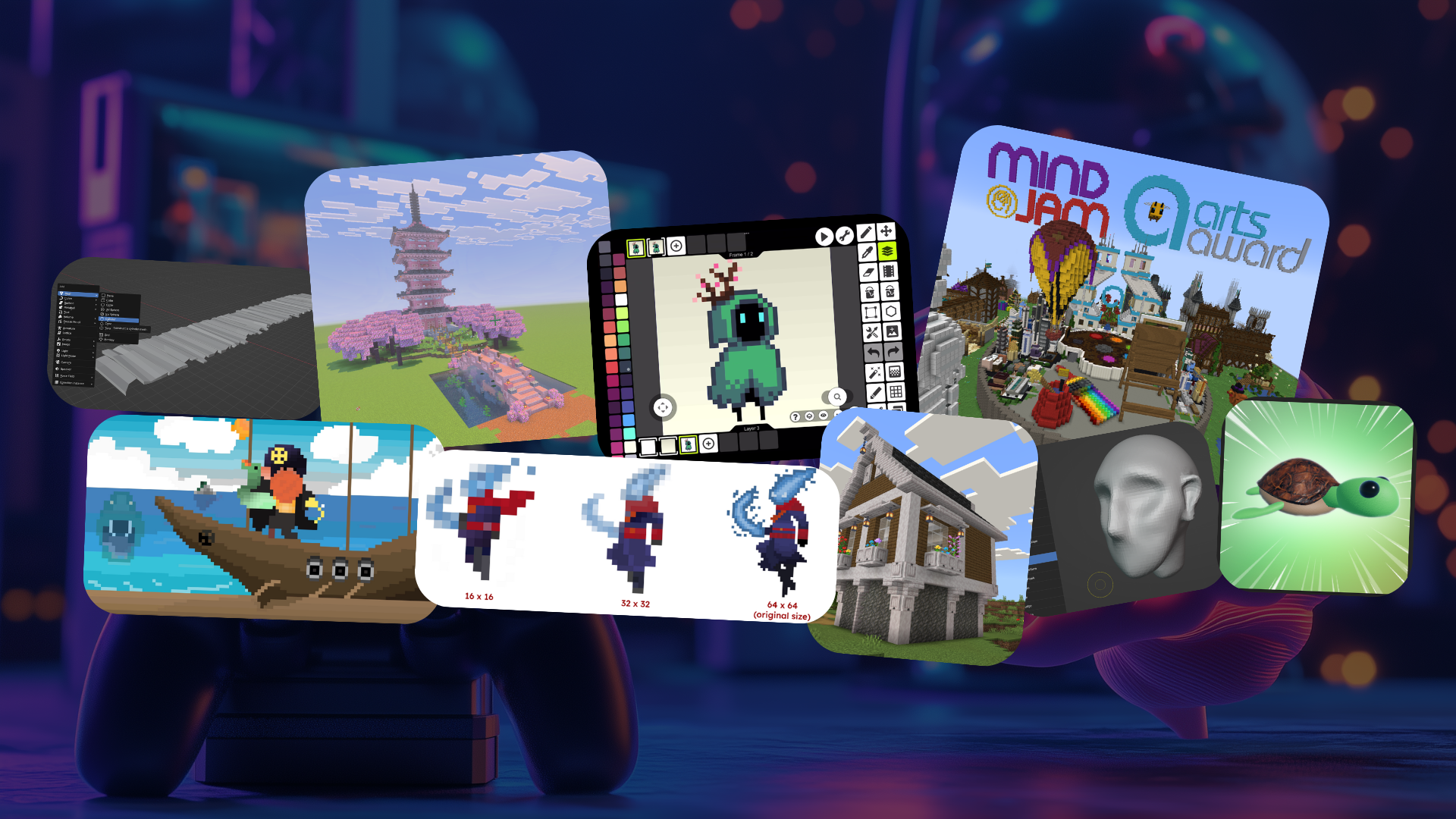
Building in Minecraft can be a natural way to start exploring 3D design and architecture. Young people are already thinking about factors such as scale and materials every time they build. They could create something from real life such as a landmark, historical building or a piece of architecture that they have seen. This works particularly well if they are working from reference photos.
Alternatively, they could invent something completely new based around a theme of their own choice such as creating their own castle, treehouse or a sculpture inspired by a book or film that they love.
If you are in a school setting and have access to Minecraft Education Edition, you could start with some of their build challenges, which you can find here
For safe use by young people, we host on a private server, more information in our blog ‘Gaming as a tool for creative expression’.
2. Design a playable obstacle course in Roblox Studio
Roblox is a large platform of user-created games that is popular with younger players. Roblox Studio is free to use software that lets young people design and publish their own playable games.
One of the most popular beginning projects is the ‘Obby’ (obstacle course), a level that players race through while avoiding hazards. Creating one involves game design and considering factors such as pacing and finding the balance between difficulty and enjoyment. Then there is also the visual design of the Obby to consider.
Roblox's own creator documentation includes a free step-by-step tutorial for creating one from scratch, which can be found here
3. Prototype a simple original game in Scratch
Scratch is a free online platform for creating games and animations and is designed with beginners in mind. It's a great place for young people to learn the basics of coding. Instead of having to type the code themselves, they can snap visual blocks of code together to control the characters (sprites). This makes it very accessible even for those with no prior coding experience.
Young people could use Scratch to prototype an original simple game idea such as a simple maze or platformer. There are plenty of beginner-friendly tutorials on their platform that a young person can choose to work through and create their first game.
4. Design and customise an avatar or character skin
Many games allow for some amounts of avatar customisation which offers an interesting opportunity for young people to explore character design. They can consider things such as accessories and colour choices to represent elements of the character that they would like to represent. Some games such as Roblox offer a considerable amount of customisation. In fact, entire games have been created around this such as Catalog Avatar Creator
Minecraft is another good starting point as players can design a completely custom skin from scratch. Websites such as Minecraft Skindex offer a free online tool for creating and editing Minecraft skins.
5. Make pixel art assets and animate simple sprite sequences
Pixel art is the visual style inspired by retro games and aesthetics. It can be an accessible route into exploring digital art because of the small canvas sizes (often just 16x16 or 32x32 pixels in size). It forces deliberate choices due to the limitations and small number of pixels that make up an image. Young people can design a character or background environment pixel by pixel and potentially progress onto animating a short ‘’sprite sequence’, which is an ordered sequence of 2D images (frames) played back in a specific order to create a moving animation. Young people could also explore the basics of frame-by-frame animation through creating a walk cycle or ‘’idle animation‘’, the latter being a looping movement that plays in a video game when the player is not pressing any buttons or controlling the character. Piskel is a free online pixel art editor that can be used to explore these techniques.
6. Compose an original soundtrack or ambient soundscape using BandLab
Music and sound design are significant elements that make up the mood and feel of a game. Young people interested in exploring music for games could create a score for a specific scene or animation. Alternatively, they can experiment with building up looping elements to layer sounds and effects to create ambient soundscapes. Bandlab is a free browser-based studio that's accessible without any specialist equipment. Young people can record, layer loops or instruments, and export a finished track.
7. Roleplay and record an improvised in-game scene
The Roblox platform hosts thousands of roleplay games covering a range of themes and settings. There are roleplay games rooted in school life, fantasy kingdoms, hospitals, cafes, just to mention a few. Within these virtual spaces young people improvise scenes with each other, often typing out what their character says and does in real time. These could be captured and recorded as unscripted drama performances.
To be included in their portfolios some young people might opt to spend more time planning these pieces, designing and creating detailed characters for example. Alternatively, they might choose to spend more time focused on editing the footage into a short video piece by including captions or voiceovers for the characters' dialogue.
8. Script and perform a narrated ‘let's play’ video
A ‘let's play’ is a video format where someone records themselves playing a game while narrating their thoughts, reactions, and often commentary over the top of the gameplay. It is one of the most popular styles of gaming content online and is often built around personality and performance as much as the gaming itself. To include this in their Arts Award portfolios, young people could create a rough script or outline beforehand and decide on the tone or character voice to perform. They could then evidence how they record and edit the footage into a finished video piece, which could be used as evidence for Arts Award levels such as Bronze Part A: ‘Explore the arts as a participant’ or Silver Unit 1: Part B ‘Implement and review the arts challenge’.
9. Teach a peer or sibling a specific in-game creative skill
Any specific in-game or creative skill a young person has built up or perfected over time could be shared with others and evidenced in their portfolio. This works particularly well for the skill share activity in Bronze Part D ‘Arts skills share – passing on arts skills to others’. For example, this could be planning and recording a short Minecraft building tutorial, demonstrating a technique step-by-step. This video tutorial could then be shared with friends or uploaded online as an unlisted or private video for others to view. Just make sure the young person also gathers feedback from those who followed the tutorial.
10. Attend an esports event, game showcase, or convention and review it as an audience experience
Just like attending a play, exhibition or gig counts as an audience experience, attending a games showcase, convention, or esports event would also count. This could either be in person or via an online livestream. What the young person evidences would depend on the level and part of the award but this could be useful for Bronze Part B, ‘Explore the arts as an audience member’. It could also be used as a basis for Silver Unit 1: Part C ‘Review arts events’, or Gold Unit 1 Part C ‘Research practitioners and review arts events’, if the young person goes into more depth and detail with their review.
Overall, creative game play provides young people with a range of possibilities and opportunities to explore creativity, problem-solving, planning and plenty of trial and error along the way. The ideas above are ten ways of capturing it as evidence to put towards a portfolio. Start with whatever a young person is already doing for fun, then work with them to explore how this might fit into their award.






Comments & Replies